Detail 1
Image selection built for mobile
Select photos from the library and prepare them for PDF export without a desktop editor.
Create PDFs from images on mobile for receipts, notes, IDs, homework, and business documents.
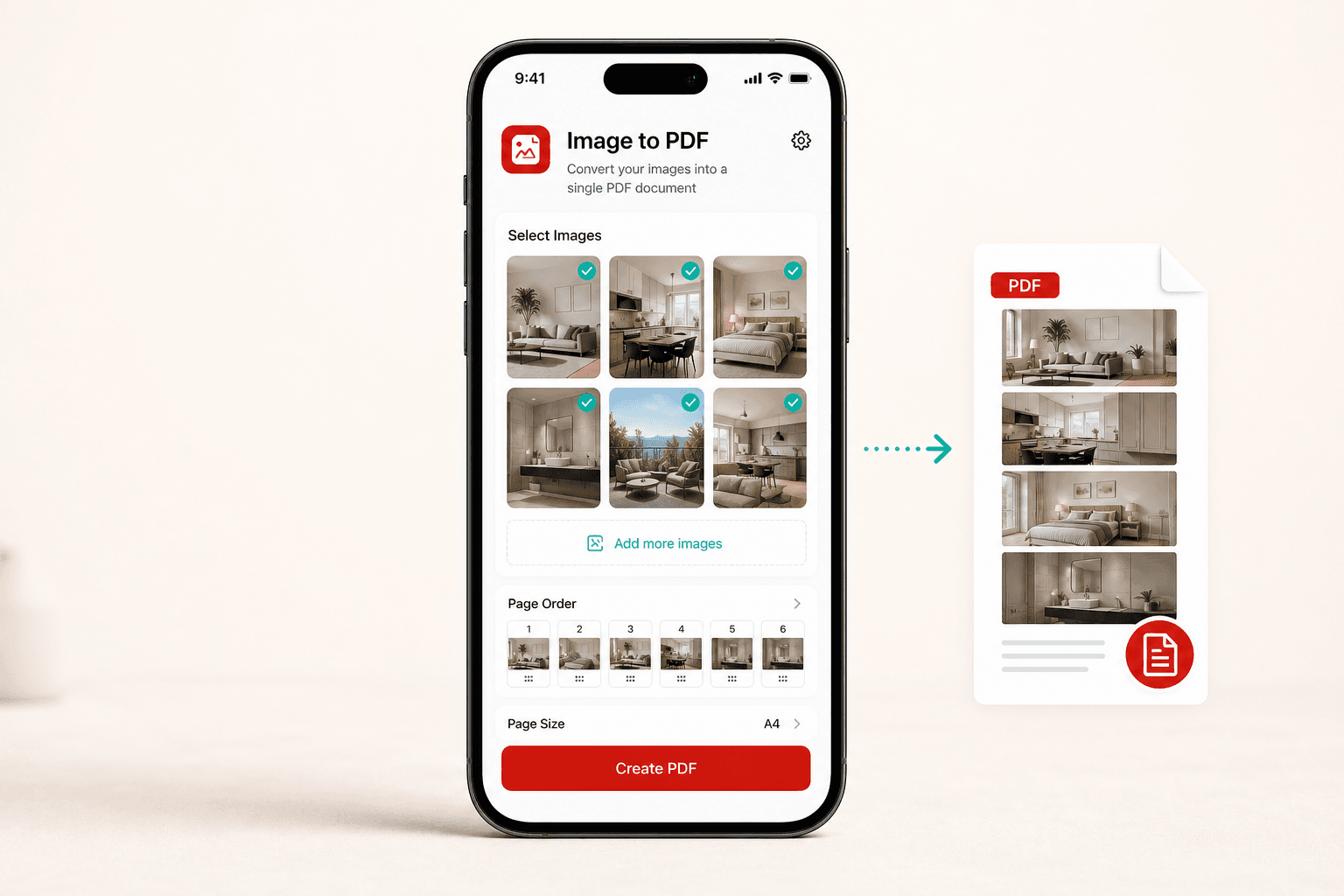
Image to PDF keeps the steps visible, the output clear, and the store path close by.
Select photos from the library and prepare them for PDF export without a desktop editor.
Combine several images into one clean PDF for forms, receipts, class notes, or records.
The free app experience may show ads to support ongoing development.
Image to PDF is designed around common mobile document chores, with the steps kept visible and direct.
Prepare a clean PDF for saving, upload, print, or sharing from your phone.
Prepare a clean PDF for saving, upload, print, or sharing from your phone.
Prepare a clean PDF for saving, upload, print, or sharing from your phone.
Prepare a clean PDF for saving, upload, print, or sharing from your phone.
Pick the file, review the action, then export the finished result back to your device or another app.
Open documents from the places people already keep them.
Save the result or send it through other mobile apps.
Pick one or more photos from your device library.
Order the images the way you want them to appear in the PDF.
Export a shareable PDF for storage, upload, or printing.
The page explains what the app does, what files it uses, and where to find privacy and support details before installing.
Choose only the images you want to convert.
Secure processing for the selected files.
Clear privacy, terms, and support pages.
Install the app, choose your file, and complete the PDF task whenever you need it.
Explore other focused PDF apps made for common document jobs on iPhone and Android.
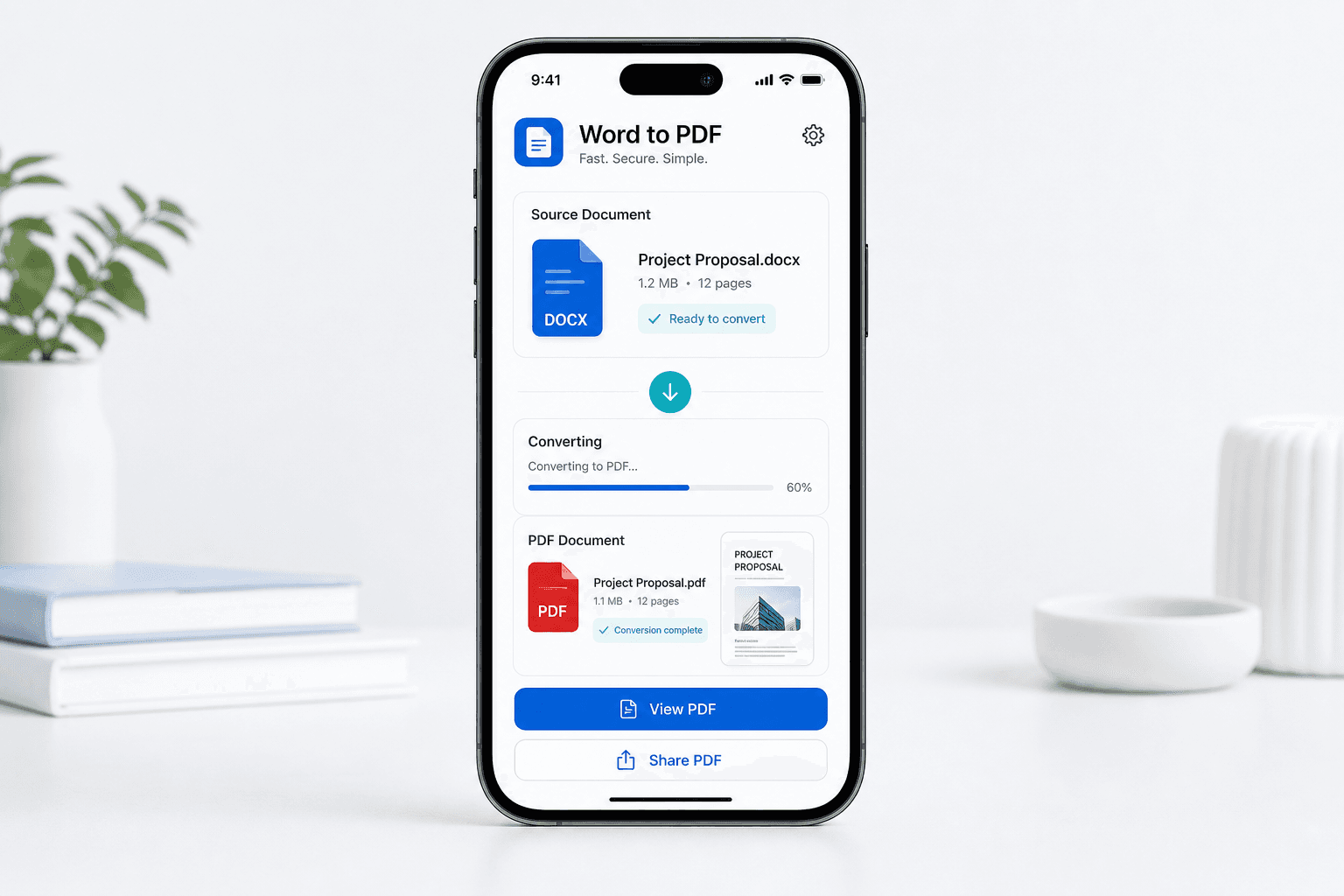
Word to PDF helps users convert Word documents into polished PDF files that are easier to send, upload, print, or archive.
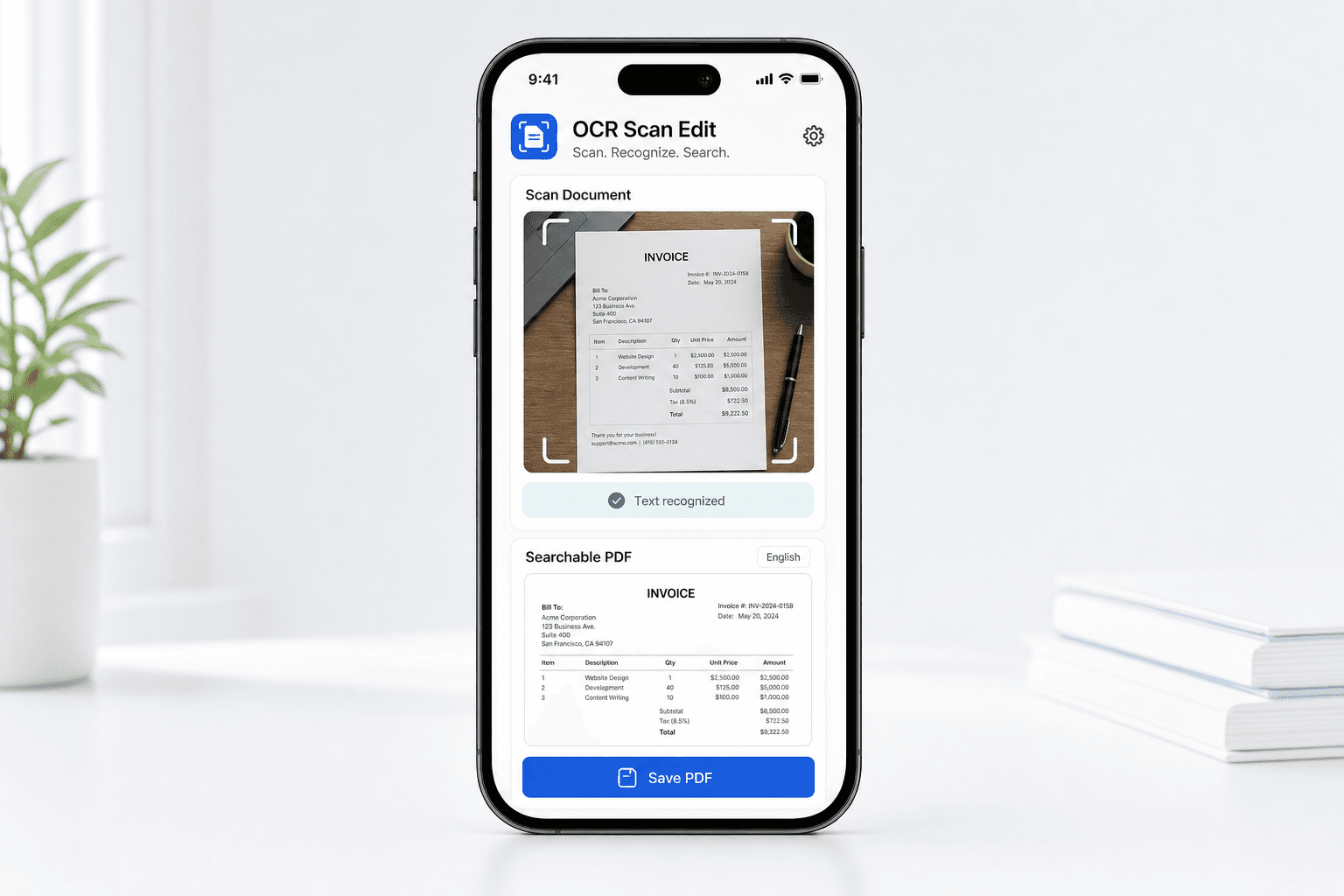
OCR Scan Edit helps turn scanned paperwork, document photos, and supported files into searchable PDF documents that are easier to review and find later.